The Best Accounting Software for Small Businesses in the UK
Running a small business in the UK means wearing a lot of hats. One minute you are chasing invoices, the next you are dealing with payroll, VAT returns, or trying to understand your cash flow. Good accounting software removes a huge amount of that stress and gives you more time to focus on growing your business.
For companies like Pureseal Services, having reliable accounting software is especially important when managing supplier invoices, customer payments, recurring expenses, VAT compliance, and overall business profitability. Whether you are an exterior cleaning contractor, chemical supplier, or service-based company, the right platform can simplify your day-to-day operations and improve financial visibility.
In this guide, we will look at the best accounting software options for small businesses in the UK, comparing features, pricing, usability, and who each platform is best suited for.
Why Small Businesses Need Accounting Software
Modern accounting software does far more than basic bookkeeping. Most systems now include:
Invoice creation and tracking
Expense management
Bank feeds and reconciliation
VAT calculations and Making Tax Digital compliance
Payroll integration
Cash flow reporting
Mobile apps for invoicing on the go
Automation for recurring tasks
For UK businesses, Making Tax Digital (MTD) compliance is now a major factor when choosing software. HMRC requires VAT-registered businesses to maintain digital records and submit VAT returns electronically. The best accounting software platforms are fully MTD compliant and make submissions straightforward.
What to Look for in Accounting Software
Before choosing a platform, it helps to understand which features matter most for your business.
Ease of Use
Many small business owners are not accountants. A clean dashboard, simple reporting, and straightforward invoicing tools can save countless hours.
Cloud Access
Cloud-based software allows you to access accounts from anywhere. This is particularly useful for mobile businesses and field-based teams.
Bank Integration
Automatic bank feeds reduce manual data entry and make reconciliation far quicker and more accurate.
Scalability
Choose software that can grow with your business. You may only need invoicing now, but payroll, inventory, or advanced reporting may become essential later.
VAT and MTD Compliance
UK businesses should always check that software supports Making Tax Digital and UK tax rules.
Customer Support
Fast support matters when payroll deadlines or VAT submissions are approaching.
Best Accounting Software for UK Small Businesses
1. Xero
Xero is one of the most popular accounting platforms in the UK, particularly among small and medium-sized businesses. It is cloud-based, easy to use, and packed with automation features.
Key Features
Bank reconciliation
Invoice automation
Expense tracking
Payroll integration
Inventory management
Real-time financial reporting
MTD compliant VAT submissions
Best For
Service businesses, contractors, growing SMEs, and businesses with remote teams.
Pros
Excellent user interface
Strong mobile app
Large range of integrations
Great collaboration with accountants
Cons
Payroll can require additional subscriptions
Entry-level plans have invoice limits
Xero is particularly useful for businesses handling recurring invoices and supplier payments, making it a strong option for companies managing ongoing client work and stock purchases.
2. QuickBooks UK
QuickBooks is another leading platform for UK small businesses and freelancers. It offers strong reporting tools and excellent automation.
Key Features
VAT tracking
Mileage tracking
Payroll
Receipt scanning
Custom invoices
Cash flow forecasting
MTD compliance
Best For
Freelancers, tradespeople, and small businesses looking for strong automation.
Pros
Easy invoice creation
Helpful dashboard reporting
Strong payroll features
Good mobile functionality
Cons
Some advanced features locked behind higher plans
Can become expensive as business grows
QuickBooks is widely used across the UK and integrates with hundreds of business tools, making it suitable for companies wanting an all-in-one solution.
3. Sage Accounting
Sage has been part of UK business accounting for decades and remains a trusted option for many small businesses.
Key Features
VAT returns
Cash flow forecasting
Invoice tracking
Payroll integration
Bank reconciliation
Multi-user access
Best For
Traditional businesses wanting established accounting software with UK-focused support.
Pros
Strong UK reputation
Reliable support network
Good compliance features
Strong payroll tools
Cons
Interface can feel dated compared to competitors
Some features are less intuitive
Sage is often chosen by businesses already working closely with accountants familiar with the platform.
4. FreeAgent
FreeAgent is designed specifically for freelancers and small business owners who want simplicity.
Key Features
Time tracking
Self-assessment tax estimates
Invoice management
Expense tracking
Bank feeds
VAT filing
Best For
Freelancers, consultants, and micro-businesses.
Pros
Very beginner friendly
Excellent tax estimation tools
Clean interface
Good customer support
Cons
Fewer advanced features
Limited scalability for larger businesses
Many UK freelancers prefer FreeAgent because it simplifies tax management and bookkeeping without overwhelming users with complex tools.
5. Zoho Books
Zoho Books offers excellent value for small businesses wanting advanced features without premium pricing.
Key Features
Workflow automation
Project tracking
Invoice management
Expense categorisation
Inventory features
VAT compliance
Best For
Small businesses wanting affordable software with advanced automation.
Pros
Competitive pricing
Strong automation tools
Good integrations
Suitable for growing businesses
Cons
Smaller accountant network in the UK
Some learning curve for new users
Zoho Books works especially well for businesses already using other Zoho products.
6. FreshBooks
FreshBooks focuses heavily on invoicing and client management, making it ideal for service businesses.
Key Features
Time tracking
Professional invoicing
Expense management
Client portals
Automated reminders
Financial reporting
Best For
Service-based businesses and consultants.
Pros
Excellent invoice customisation
User-friendly interface
Strong client management features
Cons
Less suited for inventory-heavy businesses
Advanced accounting features are more limited
Businesses that invoice clients regularly often find FreshBooks particularly efficient.
Comparing the Best Accounting Software
Software
Best For
Starting Price
Payroll
VAT Filing
Mobile App
Xero
Growing SMEs
Mid-range
Yes
Yes
Excellent
QuickBooks
Small businesses
Mid-range
Yes
Yes
Excellent
Sage
Established businesses
Mid-range
Yes
Yes
Good
FreeAgent
Freelancers
Affordable
Limited
Yes
Good
Zoho Books
Automation
Affordable
Limited
Yes
Very Good
FreshBooks
Service businesses
Affordable
Add-on
Yes
Excellent
Which Accounting Software Is Best Overall?
There is no universal answer because every business operates differently.
Best overall for most UK SMEs: Xero
Best for freelancers: FreeAgent
Best for automation: Zoho Books
Best for invoicing: FreshBooks
Best traditional accounting platform: Sage
Best all-rounder for small businesses: QuickBooks
For a growing business managing invoices, supplier purchases, payroll, and VAT, Xero or QuickBooks will usually provide the strongest balance of features and scalability.
Tips for Switching Accounting Software
Changing accounting platforms may feel intimidating, but modern systems make migration relatively straightforward.
Export Existing Data
Download customer records, invoices, and financial reports from your current software.
Choose the Right Start Date
Many businesses switch at the start of a financial quarter or tax year.
Connect Bank Accounts Early
Bank feeds are one of the biggest time-saving features.
Work With an Accountant
A qualified accountant can help set up chart of accounts, VAT rules, and payroll correctly.
Train Your Team
Even the best software only works properly when staff know how to use it efficiently.
How Accounting Software Improves Business Efficiency
One of the biggest advantages of modern accounting software is the amount of time it saves. Many small business owners still rely on spreadsheets or manual bookkeeping methods, which often lead to mistakes, duplicated work, and unnecessary stress during tax season.
Cloud accounting systems automate many of the repetitive tasks that previously took hours every week. Instead of manually entering transactions, bank feeds can automatically import purchases and payments directly into the software. Expenses can be categorised automatically, invoices can be sent on recurring schedules, and overdue payment reminders can be triggered without any manual input.
For busy service businesses, this level of automation can make a huge difference. Businesses dealing with multiple jobs, supplier invoices, fuel expenses, and customer payments benefit from having all financial data organised in one place.
Accounting software also improves communication with accountants and bookkeepers. Rather than sending spreadsheets back and forth, accountants can securely access cloud systems remotely to review accounts, prepare VAT returns, and provide advice in real time.
The Importance of Cash Flow Management
Cash flow is one of the biggest challenges for small businesses across the UK. Even profitable companies can run into difficulties if payments are delayed or expenses are poorly managed.
Accounting software gives business owners a clearer picture of their finances by showing:
Outstanding invoices
Upcoming bills
Monthly profit trends
Cash reserves
VAT liabilities
Payroll obligations
This visibility helps businesses make better decisions and avoid cash shortages.
For example, if a company notices several large invoices remain unpaid, they can quickly send reminders before cash flow becomes a problem. Likewise, accurate forecasting allows businesses to prepare for quieter periods or larger upcoming expenses.
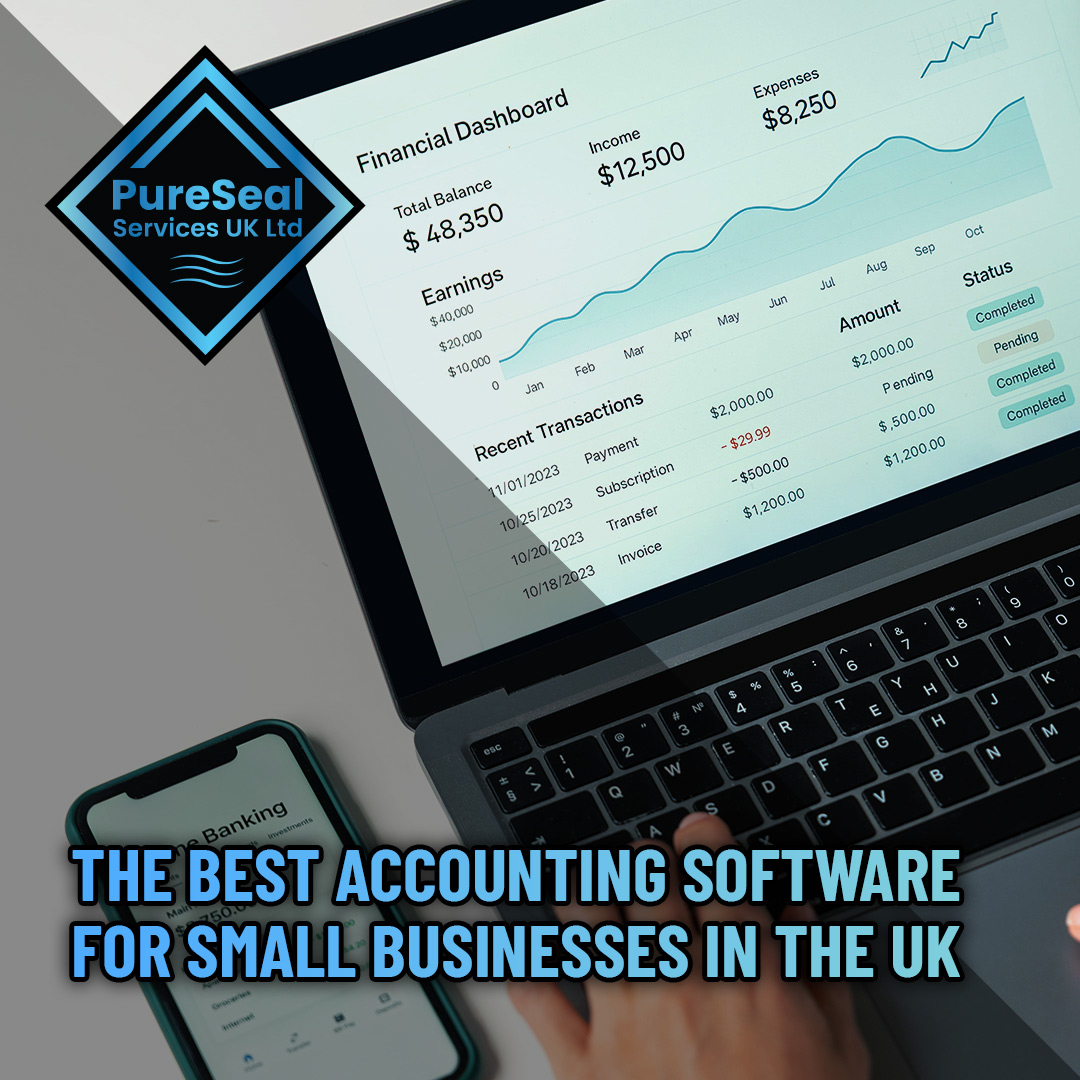
Many accounting platforms now include visual dashboards that make financial reporting far easier to understand, even for users with limited accounting knowledge.
Mobile Accounting for Business Owners on the Move
Modern businesses are increasingly mobile, especially trades and service companies operating across different locations. Mobile accounting apps allow users to manage finances directly from their phone or tablet.
Popular features within mobile accounting apps include:
Creating invoices on-site
Accepting digital payments
Uploading receipts instantly
Tracking mileage
Checking unpaid invoices
Viewing financial reports
This flexibility allows business owners to stay organised without needing to return to the office to complete paperwork.
For companies with field teams, mobile accounting can also improve customer experience. Invoices can be issued immediately after work is completed, helping businesses get paid faster.
Payroll Integration Benefits
Managing payroll manually can quickly become complicated, particularly as a business grows and hires more staff.
Many accounting platforms now offer built-in payroll systems or direct payroll integrations. These systems help automate:
Employee wage calculations
PAYE tax deductions
Pension contributions
Holiday pay
Payslips
HMRC submissions
Integrated payroll reduces the risk of human error while saving significant administrative time.
For small businesses employing office staff, technicians, cleaners, or subcontractors, payroll automation can simplify compliance and reduce stress around monthly wage processing.
Security and Data Protection
Financial data is extremely sensitive, which is why security should always be considered when choosing accounting software.
Leading providers invest heavily in security systems including:
Encrypted data storage
Multi-factor authentication
Secure cloud backups
Fraud monitoring
User access controls
Cloud systems are often more secure than storing spreadsheets locally on office computers, particularly for small businesses without dedicated IT teams.
Most major accounting software providers also offer automatic updates, ensuring systems stay compliant with the latest tax and security requirements.
Integration With Other Business Tools
Another major advantage of modern accounting software is integration with other platforms.
Many businesses now connect their accounting systems with:
CRM software
Payment processors
E-commerce platforms
Job management software
Inventory systems
Scheduling tools
For example, invoices created within a job management platform can automatically sync with accounting software, reducing duplicate work and improving accuracy.
This level of integration creates a more streamlined business operation and reduces manual administration across multiple systems.
Common Accounting Mistakes Small Businesses Make
Even with accounting software, businesses can still run into problems if financial management is neglected.
Some of the most common mistakes include:
Failing to Reconcile Bank Transactions
Bank reconciliation ensures transactions match actual bank records. Ignoring this process can lead to inaccurate reports and missed payments.
Not Tracking Expenses Properly
Small purchases add up quickly. Without accurate expense tracking, businesses may miss valuable tax deductions.
Sending Invoices Late
Delayed invoicing often leads to delayed payments. Accounting software helps automate invoice schedules and payment reminders.
Ignoring Financial Reports
Many businesses only look at finances during tax season. Reviewing reports regularly helps identify problems early and improve profitability.
Choosing Software That Is Too Basic
Some businesses outgrow entry-level software quickly. Switching platforms later can be disruptive, so it is worth thinking long term from the beginning.
Free vs Paid Accounting Software
Some businesses consider free accounting software when starting out. While free tools can work for freelancers or very small operations, they often come with limitations.
Advantages of Free Software
Lower startup costs
Suitable for simple invoicing
Useful for sole traders with limited transactions
Disadvantages of Free Software
Limited support
Fewer automation tools
Restricted reporting
Reduced scalability
Limited integrations
Paid software generally provides better security, customer support, and advanced features that save time as the business grows.
For most established UK businesses, investing in reliable accounting software is usually worthwhile due to the time savings and improved financial management.
How to Choose the Right Software for Your Business
Choosing accounting software should depend on your business needs rather than simply selecting the most popular platform.
Here are some important questions to ask before deciding:
How Many Invoices Do You Send Each Month?
Some lower-tier plans limit invoice numbers.
Do You Need Payroll?
Not all platforms include payroll within standard pricing.
Will Multiple Users Need Access?
Some systems charge extra for additional users.
Do You Need Inventory Management?
Retail and supply businesses may require stock tracking features.
Are You VAT Registered?
MTD compliance is essential for VAT-registered businesses in the UK.
Do You Work With an Accountant?
Some accountants specialise in specific platforms, which can simplify collaboration.
Taking time to compare features properly can prevent expensive software changes later.
Future Trends in Accounting Software
Accounting technology continues to evolve rapidly, with artificial intelligence and automation becoming increasingly common.
Some emerging trends include:
AI-powered bookkeeping
Automated expense categorisation
Predictive cash flow forecasting
Real-time tax calculations
Smart invoice matching
Voice-enabled financial reporting
These technologies are designed to reduce manual data entry even further while improving financial accuracy.
As software becomes smarter, small businesses will gain access to tools that were once only available to large corporations with dedicated finance departments.
Why Good Financial Management Matters
Accounting software is only one part of running a successful business, but it plays a critical role in overall financial health.
Good financial management helps businesses:
Increase profitability
Improve cash flow
Reduce tax errors
Prepare for growth
Secure funding
Make better decisions
Without accurate financial data, it becomes difficult to understand how well a business is performing.
Reliable accounting systems provide the information needed to plan effectively and maintain long-term stability.
Conclusion
Choosing the right accounting software can have a major impact on how efficiently a small business operates. From invoicing and payroll to VAT returns and cash flow forecasting, modern accounting platforms simplify financial management and reduce administrative workload.
For businesses like Pureseal Services, investing in quality accounting software can help improve organisation, reduce manual paperwork, and support long-term growth. Whether you choose Xero, QuickBooks, Sage, FreeAgent, Zoho Books, or FreshBooks, the key is selecting a platform that fits your business needs both now and in the future.
As cloud technology continues to improve, accounting software will become even more powerful, helping UK small businesses save time, improve accuracy, and make smarter financial decisions every day.

 Artificial and Sports Surfaces
 Awnings / Canopies / Gazebos
 Block Paving
 Brickwork
 Composite Surfaces
 Decking / Timber
 Granite
 Imprinted Concrete
 Internal Masonry
 Limestone
 Marble
 Metal Cladding
 Polished or Honed Stone
 Porcelain
 Render
 Resin Bond
 Road and Rail Signs
 Roof Tiles / Slates
 Sandstone
 Slate
Slate Solar Panels and Glass
 Stone Sills and Pier Caps
 Tarmac and Asphalt
 Gutters & UPVC
 Acid Damage
 Biofilm
 Bitumen
 Blood
Blood Carbon
 Concrete / Grout / Mortar
 Copper Oxide
 Efflorescence
 Egg
Egg Failed Sealer
 Fire Damage
 Fuel / Oil
 Graffiti
 Grease / Fat / Cooking Oil
 Lawn Fertiliser
 Lead Carbonate
 Lead Oxide
 Paint Splashes
 Rust
Rust Tar & Glue
 Tannin Removers
 Traffic Film Removers
 Trapped Moisture / Sealer Repairs
 Urine Neutralisers